
Have you ever scanned an important multi-page document, opened it on your computer, and realized half the pages were saved sideways or completely upside down? Trying to read sideways contracts or print inverted PDF slides can be immensely frustrating.
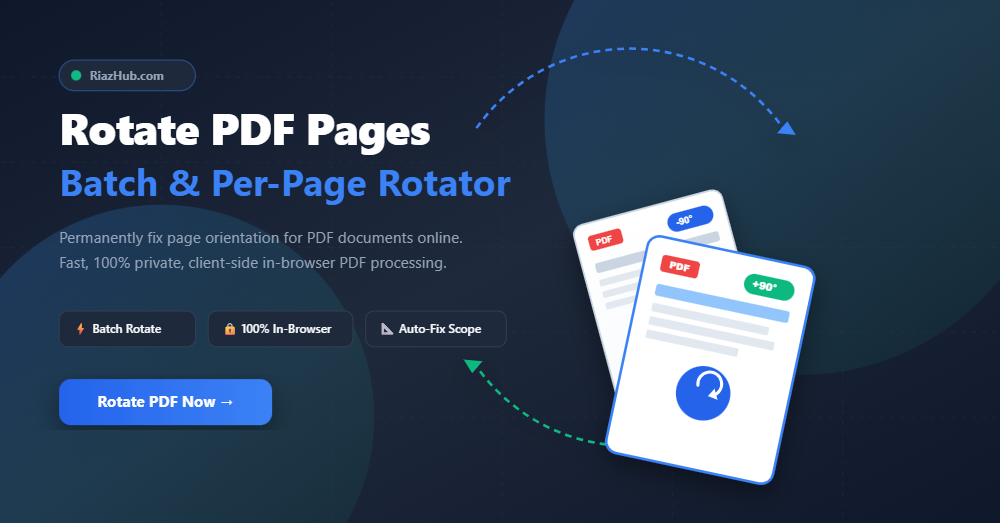
Fortunately, you don’t need expensive desktop software like Adobe Acrobat Pro to fix document orientation. With the free RiazHub Rotate PDF Tool, you can quickly rotate individual pages or entire PDF documents directly in your web browser completely free, private, and instant.
Why PDF Pages Open Sideways or Upside Down
When documents are digitized using physical flatbed scanners, automatic document feeders (ADF), or smartphone scanning apps, orientation sensors often misread page layouts. This frequently occurs when scanning:
- Mixed documents containing both Portrait letters and Landscape financial tables.
- Double-sided receipts or ID cards fed upside down into scanner trays.
- Presentation slides converted to PDF format.
- Hand-signed contracts digitized via mobile phone cameras.
Permanent Metadata Rotation vs. Temporary Screen Viewing
Many people rely on the “Rotate View” button inside web browsers or basic PDF readers. However, rotating a view on screen only changes your current display monitor angle it does not save the changes to the PDF file itself. When you email the file or send it to a printer, it still opens upside down for the recipient.
The Rotate PDF Tool on RiazHub.com modifies the native PDF dictionary metadata tag (known as the /Rotate attribute). This permanently rotates the target pages at 90°, 180°, or 270° angles. When saved, your PDF will open with the exact right orientation on any device, operating system, or printing hardware without degrading image or vector text quality.
Need to Fix Your PDF Orientation Right Now?
Upload your document to RiazHub’s free utility to rotate all or selective pages in seconds.
Key Features of the RiazHub Rotate PDF Rotator
RiazHub’s utility is designed for speed, flexibility, and absolute privacy. Here is what makes it stand out:
Step-by-Step Guide: How to Rotate a PDF Online
Fixing your PDF layout using RiazHub’s Browser-Based PDF Page Rotator is simple and takes just a few clicks:
- Access the Tool: Navigate to the RiazHub Rotate PDF Page Rotator.
- Upload Your PDF File: Drag and drop your document into the upload zone or click “Select PDF File” to choose a file from your device.
- Choose Your Rotation Scope & Angle:
- Use global toolbar buttons like “Rotate 90° Right” or “Rotate 180°” for batch adjustments.
- Set the Target Scope dropdown to target specific pages (e.g., Landscape Pages Only or Odd Pages Only).
- Click the rotation icons (↶ / ↷) directly on any page thumbnail card to adjust specific pages individually.
- Preview & Verify: Check the interactive page grid summary to confirm how many pages were modified. You can click the magnifying glass icon (🔍) to inspect high-resolution previews.
- Apply Rotation & Download: Click the green “Apply Rotation & Download PDF” button to save your permanently updated PDF document instantly.
Why Privacy Matters: 100% Client-Side PDF Processing
Most online PDF converters force you to upload your confidential files to remote third-party servers, posing serious privacy and security risks for tax filings, legal contracts, medical charts, and financial records.
RiazHub eliminates this security concern entirely. Using client-side JavaScript libraries (PDF.js and PDF-Lib), the RiazHub Rotate PDF Utility reads, renders, modifies, and rebuilds your PDF document 100% inside your browser memory. Your documents never touch an external server or internet database.
Frequently Asked Questions (FAQ)
2-5, 8). Clicking rotation buttons will apply changes only to those specified pages.Ready to Permanently Fix Your PDF Pages?
Try RiazHub’s free batch PDF rotator now no installation or signup required.
Rotate PDF Pages (Batch & Per-Page Rotator)
Permanently adjust page orientation for individual pages or entire PDF documents without quality loss. 100% private and processed directly in your browser.
PDF Rotation Standards & Best Practices
/Rotate) for each designated page. This guarantees that your PDF pages maintain their correct orientation across Adobe Acrobat Reader, Google Chrome PDF Viewer, Apple Preview, printing hardware, and mobile operating systems without re-encoding or degrading text and image quality.