
Calculating Goods and Services Tax (GST) or Value Added Tax (VAT) can quickly become confusing—especially when dealing with tax-inclusive prices, invoicing clients internationally, or auditing purchase receipts. Whether you are a business owner, freelancer, accountant, or consumer, getting the math right is critical for accurate accounting and financial compliance.
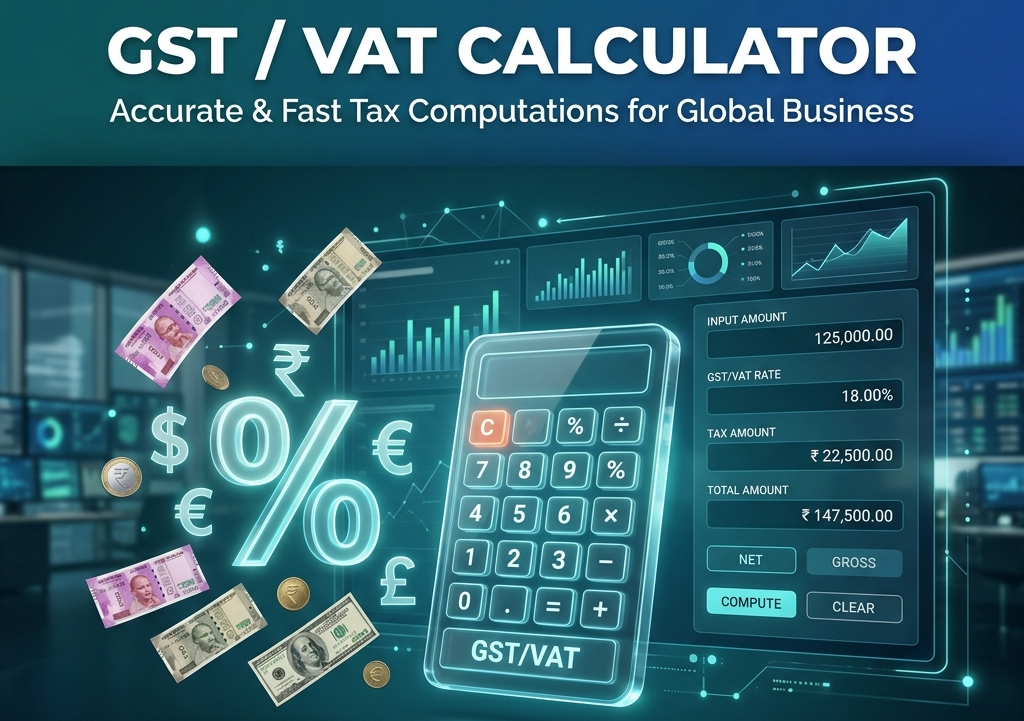
Our free interactive GST / VAT Calculator Tool at RiazHub allows you to calculate both Tax Exclusive (Add Tax) and Tax Inclusive (Remove Tax) amounts in real time. Select from popular global tax rates or enter a custom percentage rate to get an immediate, accurate breakdown.
How to Use the GST / VAT Calculator
Using the RiazHub GST / VAT Calculator is designed to make tax calculations simple and lightning-fast. Follow these three easy steps:
- Select Calculation Mode:
- Add GST / VAT (Exclusive): Use this mode when you have a net price (before tax) and want to calculate how much tax to add on top.
- Remove GST / VAT (Inclusive): Use this mode when you have a total gross price (including tax) and want to extract the tax component.
- Choose Currency & Enter Amount: Select your currency symbol ($, €, £, ₹, A$, C$, etc.) and type the item price.
- Select Tax Percentage: Click any of the quick-selection pills (e.g. 5%, 10%, 15%, 18%, 20%) or enter your local custom percentage rate.
The total net amount, tax value, and gross total will update automatically in real-time. Click “Copy Summary” inside the online calculator tool to copy the breakdown directly to your clipboard for invoicing or bookkeeping!
Understanding Tax Exclusive vs. Tax Inclusive
The main source of confusion in sales tax calculations stems from the difference between exclusive and inclusive pricing:
1. Tax Exclusive (Add GST / VAT)
In a tax-exclusive price, the tax is not included in the base price. You calculate the tax on top of the net amount and add it to determine the total price paid by the buyer. You can use the Exclusive Tax Calculator to get instant figures.
Exclusive Formula:
Tax Amount = Net Amount × (Tax Rate / 100)Total Gross Amount = Net Amount + Tax Amount
Example: If an item costs $100.00 net with a 10% GST rate:
- Tax Amount = $100.00 × (10 / 100) = $10.00
- Total Gross Amount = $100.00 + $10.00 = $110.00
2. Tax Inclusive (Remove GST / VAT)
In a tax-inclusive price, the final retail price already contains the tax. To find out how much tax was paid and what the original net price was, you must extract the tax using the inclusive formula or the Tax Extraction Tool at RiazHub.
Inclusive Formula:
Tax Amount = Gross Amount - (Gross Amount / (1 + (Tax Rate / 100)))Net Amount = Gross Amount - Tax Amount
Example: If a total receipt displays $110.00 inclusive of 10% GST:
- Tax Amount = $110.00 – ($110.00 / 1.10) = $10.00
- Net Amount = $110.00 – $10.00 = $100.00
Global Standard GST & VAT Rates Reference
Tax rates vary significantly depending on your country and product category. Whether computing UK 20% VAT, Australian 10% GST, or Indian 18% GST, the RiazHub GST & VAT Calculator supports all standard and custom tax slabs:
| Country / Region | Tax Type | Standard Rate | Reduced / Special Rates |
|---|---|---|---|
| United Kingdom (UK) | VAT | 20% | 5% (Energy), 0% (Food/Books) |
| Australia | GST | 10% | 0% (Essential groceries/Medical) |
| India | GST | 18% | 5%, 12%, 28% (Slab system) |
| European Union (EU) | VAT | 17% – 27% | Varies by member state (e.g. DE 19%, FR 20%) |
| Canada | GST / HST | 5% (GST) | Up to 15% combined HST depending on province |
| New Zealand | GST | 15% | 0% (Financial services) |
Key Advantages of Our Free Calculator Tool
- ⚡ Real-Time Updates: Calculates results instantly on RiazHub as you type or switch preset buttons.
- 📱 Mobile & Responsive: Works seamlessly on mobile phones, tablets, and desktop screens.
- 📋 One-Click Summary Copy: Effortlessly copy a structured text report to paste into quotes, spreadsheets, or client emails.
- 📊 Visual Proportion Bar: See a visual representation of the net cost vs. tax percentage ratio.
- 🔒 100% Private & Secure: Computations run entirely within your web browser—no financial data is stored or transmitted.
Frequently Asked Questions (FAQ)
Q1: What is the main difference between GST and VAT?
Answer: Conceptually, GST (Goods and Services Tax) and VAT (Value Added Tax) are very similar consumption taxes levied at each stage of the supply chain. The name used depends on your country (e.g., Australia, India, and Canada use GST, while the UK and European countries use VAT).
Q2: Why can’t I just subtract 10% from the total to remove 10% GST?
Answer: Subtracting 10% from a gross price of $110 gives $99, which is incorrect! Because the 10% tax was added to a base of $100 ($10 tax), the tax represents 1/11th (9.09%) of the total gross price, not 1/10th (10%). Always use the Tax Inclusive formula or test your numbers on the RiazHub Tax Calculator.
Q3: Can I calculate custom tax percentages?
Answer: Yes! Simply type any percentage rate (such as 7.5%, 12%, or 21%) into the tax rate field on our GST / VAT Web Tool, and it will automatically compute the exact figures.
Conclusion
Accurate tax calculations are essential for smooth business operations, correct customer billing, and tax return filing. Bookmark the RiazHub GST / VAT Calculator to ensure you always have access to an instant, reliable tax calculation tool whenever you need it!