
Universal Screenshot Cropper & Precision Trimming Studio: The Definitive Guide to Clean, Professional UI Graphics
Every modern professional takes screenshots daily. Software engineers capture terminal traces and pull-request flows, QA analysts log regression bugs in Jira, product managers present roadmap prototypes in Slack, and technical writers illustrate help docs. Yet, the raw screenshots produced by default operating system shortcuts (Win+Shift+S or Cmd+Shift+4) are almost always unpresentable: cluttered with browser bookmark bars, personal tabs, uneven window drop shadows, and desktop taskbars.
To solve this universal friction, RiazHub developed the Universal Screenshot Cropper & Precision Trimming Studio. Rather than forcing you to boot up heavy image editors or upload sensitive internal dashboard captures to third-party servers, this browser-based utility delivers instant clipboard ingestion, sub-pixel transform handles, automated edge-trimming mathematics, and realistic macOS and Windows 11 mockup frames directly in memory.
Try the Tool Instantly
Experience instant Ctrl+V clipboard pasting, 8-point snapping crop handles, intelligent window margin trimming, and 1-click clipboard export.
Why Default Screenshots Hurt Professional Communication
When you paste an uncropped, raw full-desktop screenshot into a technical report, communication efficiency degrades in three major ways:
- Cognitive Overload: When a reviewer opens an uncropped 1920×1080 or 4K screenshot to inspect a 200px button bug, 90% of the image is useless visual noise taskbars, notifications, unrelated tabs, and desktop wallpaper.
- Confidentiality and Leakage Risks: Uncropped screenshots frequently capture confidential Slack notifications, internal API URLs in browser address bars, or customer information in adjacent windows.
- Inconsistent Presentation Across Documentation: In documentation portals and knowledge bases, mixing images with inconsistent aspect ratios, blurred margins, and raw jagged borders creates an amateur appearance.
By routing screenshots through the Universal Screenshot Cropper Studio, you eliminate distractions, protect private workspace details, and present polished graphics that look intentionally designed.
Sub-Pixel Precision & 8-Point Draggable Transform Topologies
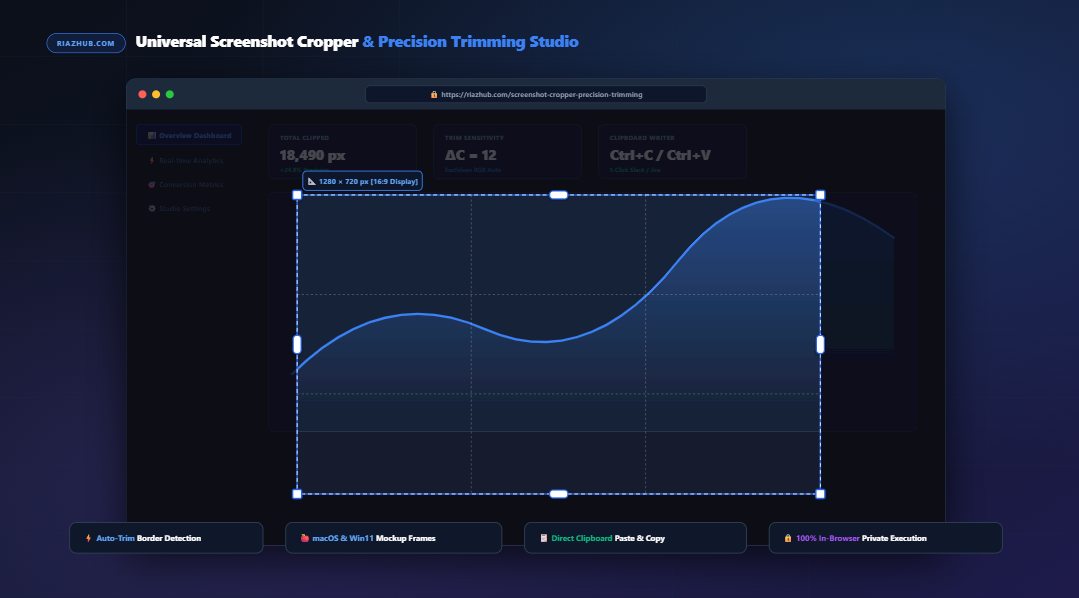
Unlike rudimentary web cropping tools that rely on sluggish CSS overlays, the Universal Screenshot Cropper & Precision Trimming Studio utilizes an interactive 8-point transform topology mapped to the source image’s true coordinate grid.
X_clamped ∈ [0, W_orig – W_crop], Y_clamped ∈ [0, H_orig – H_crop]
When Aspect Ratio R = W/H is locked:
ΔW = ΔH × R
Corner Drag: ΔH = ΔW / R (Bi-directional Orthogonal Synchronization)
Corner handles (NW, NE, SW, SE) and edge handles (N, S, E, W) allow intuitive resizing. The active bounds are continuously synchronized with precision numeric text steppers (Width, Height, X-Offset, Y-Offset). If you need an exact 1280×720 or 800×600 pixel bounding box, simply type the values directly into the inputs to update the canvas bounding box in real time.
Intelligent Auto-Trim Engine: Stripping Monochromatic Borders
One of the studio’s standout capabilities is the Intelligent Auto-Trim Engine. When you capture an active application window on macOS or Windows, the operating system often injects blurred ambient drop shadows, solid monochromatic white borders, or dark margins.
The auto-trim engine scans inwards from all four perimeters (Top, Bottom, Left, Right) using a color-difference detection algorithm based on 3D Euclidean RGB vector distance:
ΔC = √[ (R_i – R_edge)² + (G_i – G_edge)² + (B_i – B_edge)² ]
Condition: If ΔC > ToleranceThreshold (Default: 12), content boundary locked.
When you click “Auto-Detect & Trim Blank Margins” in the Universal Screenshot Cropper, the algorithm automatically identifies where the genuine UI window starts and snaps the crop boundary directly to the content, eliminating hours of manual pixel alignment.
🍎 macOS Window Headers
Synthesizes brushed dark and light macOS top bars complete with genuine red, yellow, and green traffic light action dots.
🪟 Windows 11 Fluent Borders
Applies clean dark acrylic framing with modern minimize, maximize, and close iconography.
🌐 Browser Address Mockup
Generates a sleek browser address bar with an SSL security lock pill to contextually frame web application screenshots.
✨ Realistic Drop Shadow
Renders customizable Gaussian blur elevation (0px to 60px) beneath rounded corners (0px to 36px) over an alpha transparency canvas.
Interactive Split-Screen Slider & 200%/400% Zoom Loupe
To ensure your final output meets high quality standards before sharing, the studio provides two advanced visual inspection modes:
- 60 FPS Split-Screen Comparison Slider: An interactive vertical swipe divider allows you to view the raw, unedited screenshot side-by-side with the cropped, framed, and shadowed result. This provides immediate visual confirmation that no critical interface labels or data cells were clipped.
- 200% & 400% Sub-Pixel Zoom Loupe: Hovering your cursor over the cropped graphic activates an ultra-high-resolution magnifying lens. This allows you to inspect anti-aliased font rendering, micro-icons, and boundary trim sharpness with sub-pixel clarity.
Test these interactive inspection views yourself using the Universal Screenshot Cropper & Precision Trimming Studio.
Step-by-Step: How to Crop, Frame, and Export in Under 10 Seconds
- Ingest Your Screenshot: Press Win+Shift+S (Windows) or Cmd+Shift+4 (Mac) to capture any screen region. Switch to the Screenshot Cropper Studio and press Ctrl+V to paste immediately. You can also drag-and-drop multiple image files or click “Load Sample UI” to explore.
- Select Aspect Ratio or Auto-Trim: Choose a preset pill such as 16:9 Display, 1:1 Square, or click Auto-Detect & Trim Blank Margins to remove empty margins automatically.
- Apply Decorative Mockup Styling: Expand the “Decorative Window Mockup & Frame” accordion. Select your preferred header style (e.g., macOS Dark Header), dial in your corner roundness (e.g., 12px), and select your drop shadow elevation (e.g., 25px).
- Copy Directly to Clipboard: Click “Copy Cropped Image (Ctrl+C)”. The studio synthesizes the high-resolution PNG in browser memory and writes it directly to your operating system clipboard via the native Web Clipboard API. Switch to Slack, Jira, GitHub, or your email client and press Ctrl+V to paste the finished graphic.
100% Client-Side In-Browser Privacy Architecture
Privacy Guarantee: Unlike traditional image processing services that upload your images to cloud servers for server-side manipulation, the Universal Screenshot Cropper runs entirely within your browser via the HTML5 2D Canvas API and pure JavaScript. No screenshot data, clipboard contents, or images are ever transmitted across the network.
Frequently Asked Questions (FAQ)
Can I paste directly from my clipboard without saving a file first?
Yes. The tool features native clipboard ingestion. Simply press Ctrl+V anywhere on the page, and your screenshot appears on the canvas instantly.
Will copying the cropped image to the clipboard keep alpha transparency?
Yes. When you click “Copy Cropped Image”, the studio generates a 32-bit RGBA PNG Blob with alpha transparency intact, allowing your drop shadow and rounded corners to render smoothly against dark and light backgrounds in Slack, Jira, and GitHub.
Can I process multiple screenshots and download them together?
Yes. You can drag and drop multiple screenshots into the tray, configure crop bounds for each, and click “Download All as ZIP”. The tool utilizes an in-memory PKZIP packager to bundle all cropped images alongside a detailed dimension audit manifest text file.
Is there a file size or resolution limit?
Since processing executes locally using your device’s hardware, you can crop screenshots up to 4K and 8K ultra-wide resolutions without server-imposed file size caps or artificial compression degradation.
Elevate Your Technical Graphics Today
Start creating clean, framed, executive-ready screenshots for your team documentation and bug reports.
Universal Screenshot Cropper Studio Pro
Paste screenshots instantly with Ctrl+V, crop exact pixel bounds, auto-trim window borders, synthesize stylish macOS/Windows mockups, and copy directly to your clipboard.
Eliminate Visual Clutter
Cropping desktop taskbars, cluttered browser tabs, bookmarks, and second-monitor margins immediately focuses bug reviewers and documentation readers directly on the relevant interface component.
Intelligent Auto-Trim Mathematics
The edge scanner computes Euclidean color distance ($\Delta C$) across outer perimeter rows and columns, automatically trimming solid background margins and operating system window drop-shadows with zero guesswork.
Executive Mockup Framing
Adding brushed macOS window headers with authentic traffic lights or Windows 11 fluent borders transforms plain screenshots into professional graphics ready for product releases, Jira tickets, and marketing hero banners.
100% Client-Side Privacy
Every operation, pixel manipulation, auto-trim calculation, and ZIP generation executes completely inside your browser's memory using HTML5 Canvas. Your sensitive internal screenshots never touch an external server.