
Convert PDF Pages to High-Resolution Images Online (100% Private & Free)
In today’s digital workflow, converting PDF documents into image formats like PNG, JPG, or WebP is essential for creating presentations, uploading documents to web forms, sharing content on social media, or inserting document snippets into graphic designs. However, uploading sensitive documents like contracts, financial statements, work permits, or personal IDs to third-party web servers poses severe security and privacy risks.
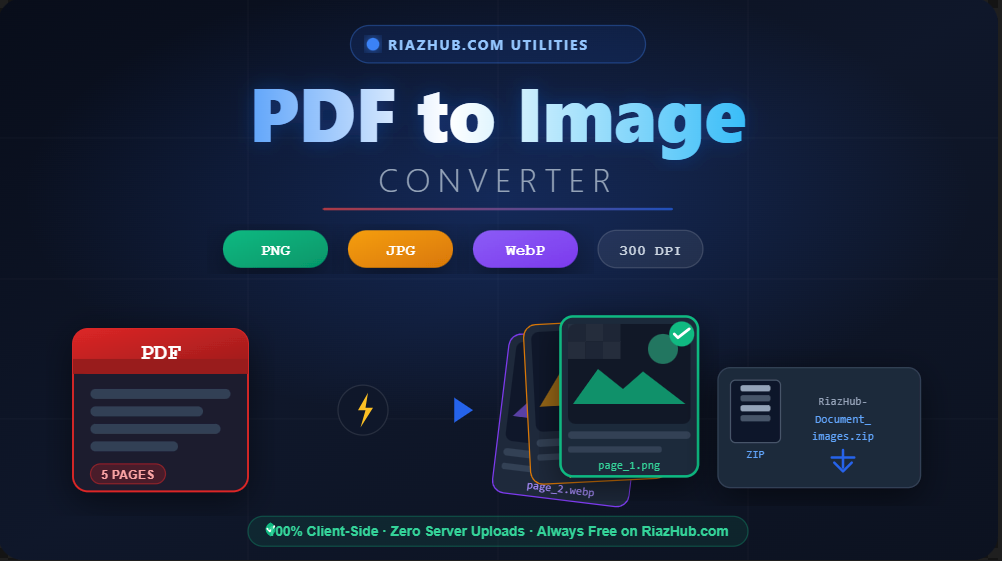
To eliminate privacy concerns and provide instant conversion, RiazHub.com offers the powerful, browser-based RiazHub PDF to Image Converter. This modern web utility processes all PDF page rendering, canvas rasterization, image encoding, and ZIP archiving 100% locally inside your web browser. No files are ever sent to an external server.
Why Use the RiazHub Browser-Based PDF to Image Tool?
Unlike traditional online converters that force you to wait for file uploads and server queues, the RiazHub PDF to Image Tool leverages modern browser WebAssembly and HTML5 Canvas technology to render documents directly on your device. Whether you are using a smartphone, laptop, or desktop, your conversion completes in milliseconds with complete data confidentiality.
🔒 100% Client-Side Privacy
Your PDF files never leave your computer or phone. All rendering happens in browser memory for absolute security.
🖼️ PNG, JPG & WebP Formats
Choose lossless transparent PNG, space-saving JPG, or next-generation high-efficiency WebP format with a single click.
📐 Custom DPI Resolution
Select Normal (150 DPI), High Quality (300 DPI 2x), or Ultra HD (600 DPI 3x) for razor-sharp printed output.
📦 Batch ZIP & Single Download
Download individual page images instantly or package selected pages into a single RiazHub-[filename]_images.zip file.
Detailed Feature Breakdown
1. Versatile Output Format Support
Different tasks demand different image formats. The Free Online PDF to Image Converter at RiazHub gives you full control:
- PNG (Lossless & Transparent): Perfect for vector diagrams, scans, forms, and documents requiring crisp text and transparent background support.
- JPG (Optimized File Size): Ideal for photo-heavy documents, manuals, and e-mail attachments where compact file size matters.
- WebP (Next-Gen Efficiency): Offers up to 30% smaller file sizes than JPG with superior clarity, perfect for web publishing and web developers.
2. Adjustable DPI Quality Scaling
Standard PDF renderers often produce blurry pixelated thumbnails. With the RiazHub PDF to Image Converter, you can adjust output resolution according to your needs:
- Normal (150 DPI / 1.5x Scale): Great for fast previews, low bandwidth, and quick email attachments.
- High Quality (300 DPI / 2x Scale): Standard print resolution for clear legibility, sharp text, and high quality documents.
- Ultra HD (600 DPI / 3x Scale): Ultra-high-definition output for professional printing, archive storage, and zooming into small text.
3. Flexible Page Selection & Custom Range Extraction
You don’t always need to convert every page of a 50-page document. The tool provides intuitive range options:
- All Pages: Convert the entire PDF document into images in one click.
- Current Page: Quickly extract page 1 or single-page documents.
- Custom Range: Specify custom page numbers or ranges (e.g.
1-3, 5, 7-10) for precise extraction. - Selection Shortcuts: Use convenient batch buttons including Select All, Deselect All, Select Odd Pages, and Select Even Pages.
4. Organized Filename Conventions
When downloading files using the RiazHub PDF to Image Tool, all extracted files automatically preserve the original document name alongside the site branding:
- Single Page Image:
RiazHub-[OriginalPDFName]_page_1.png - ZIP Archive Package:
RiazHub-[OriginalPDFName]_images.zip - Images inside ZIP:
RiazHub-[OriginalPDFName]_page_1.png,RiazHub-[OriginalPDFName]_page_2.png
How to Convert PDF to Image Step-by-Step
Visit the PDF to Image Converter Tool on RiazHub.com in any modern browser on desktop or mobile.
Drag and drop your PDF file onto the upload zone or click to browse files from your computer or smartphone.
Choose your target format (PNG, JPG, or WebP) and resolution scale (150 DPI, 300 DPI, or 600 DPI).
Use checkboxes or shortcut buttons to select target pages. Click “Download” on single page cards or hit “Convert & Download All (ZIP)” to save all pages in one archive.
Frequently Asked Questions (FAQ)
Is the RiazHub PDF to Image converter free to use?
Yes! The RiazHub PDF to Image Tool is 100% free with no hidden fees, subscriptions, or daily conversion limits.
Are my uploaded documents safe and private?
Absolutely. Because the conversion is performed entirely client-side inside your browser, your PDF files are never uploaded to any remote server or stored anywhere online.
Can I convert password-protected or multi-page PDFs?
You can convert any multi-page PDF document. If your PDF is password-protected, simply unlock it first and upload it to the converter.
Does it work on mobile phones and tablets?
Yes. The responsive design adapts seamlessly to iPhone, iPad, Android devices, and desktop screens without requiring app installations.
Start Converting Your PDF Files Safely
Ready to turn your PDF files into high-quality images with complete privacy? Head over to the RiazHub PDF to Image Converter right now and experience instant, high-DPI document extraction directly in your browser!