
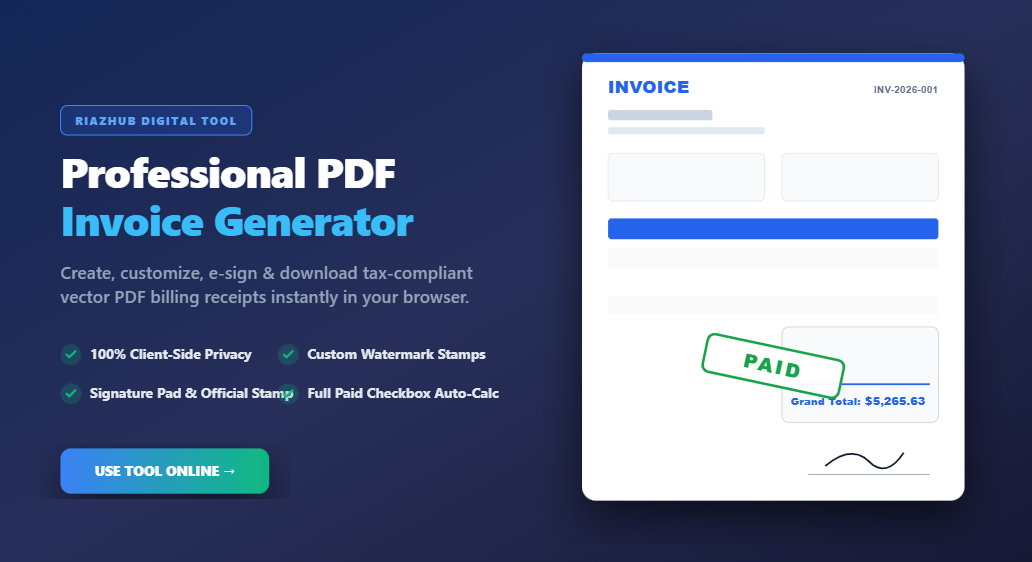
Mastering Professional Billing: How to Create Instant, Tax-Compliant PDF Invoices Online
Whether you are a freelance developer, creative agency, consultant, or small business owner, sending polished, accurate, and tax-compliant invoices is essential for maintaining client trust and accelerating cash flow. Discover how to create crisp vector invoices effortlessly using the RiazHub Professional PDF Invoice & Billing Receipt Generator.
1. The Importance of Professional Invoicing in Today’s Digital Economy
An invoice is far more than a simple request for payment; it serves as an official financial record, a binding business transaction document, and a key reflection of your brand identity. Incomplete or poorly formatted invoices often lead to payment delays, accounting errors, and compliance headaches during tax audit seasons.
To avoid these costly pitfalls, modern billing tools must balance flexibility with strict tax guidelines. With the free online PDF invoice generator on RiazHub, you can generate clean, professional billing receipts tailored to your business needs in under a minute.
2. Key Features of the RiazHub PDF Invoice Generator
Designed with simplicity, privacy, and speed in mind, this tool offers enterprise-grade billing capabilities directly inside your web browser:
- 100% Client-Side Privacy Guarantee: Your client lists, financial numbers, banking IBANs, and signatures are processed strictly inside your browser. No sensitive financial data is ever transmitted or stored on remote servers.
- Crisp Vector PDF Downloads: Powered by advanced vector PDF rendering, your downloaded invoices maintain crystal-clear text sharpness at any zoom level, perfect for high-resolution printing or digital archiving.
- Custom Watermark Status Stamps: Instantly apply angled rubber watermark stamps such as
PAID,OVERDUE,PENDING,DRAFT, orORIGINALpositioned neatly in the financial section at an elegant angle. - One-Click “Full Paid” Checkbox: Automatically calculate line item subtotals, custom discounts, VAT/GST taxes, and shipping rates. Check the Full Paid box to instantly set the amount paid equal to the grand total and set balance due to zero.
- Digital Signature & Official Company Seal Upload: Draw your signature live on an interactive pad or upload a transparent PNG signature alongside your official company rubber stamp or seal.
- Intrinsic Logo Aspect Ratio Protection: Upload your company logo with drag-and-drop ease, complete with smooth size adjustment sliders that maintain your logo’s exact visual aspect ratio without stretching.
- JSON Backup & LocalStorage Preservation: Save your invoice draft locally to auto-fill future invoices, or export complete JSON backup files to transfer templates between devices effortlessly.
3. Step-by-Step Guide: How to Create Your PDF Invoice
Generating your custom invoice takes just four easy steps when you launch the RiazHub PDF Invoice Generator:
- Enter Business & Client Details: Fill in your company name, tax registration number, street address, and contact info. Add your buyer’s billing address and optional Tax/VAT ID.
- Add Line Items & Pricing: List your services or products, quantities, rates, and individual line-item tax/discount percentages. Use the built-in quick presets for speedy data entry.
- Customize Branding & Signature: Upload your company logo, select your preferred color palette (Corporate Navy, Modern Minimalist, Royal Emerald, etc.), draw your signature, and attach your company stamp.
- Preview & Download PDF: Review the real-time live preview sheet to ensure every calculation is accurate, then click “Download PDF” to save your customized invoice file.
4. Global Tax Compliance & Best Invoicing Practices
Whether operating under US IRS rules, EU VAT frameworks, UK HMRC standards, or Gulf VAT regulations, following global invoicing standards ensures legal compliance:
Pro-Tip: Always maintain sequential document numbering (e.g.,
INV-2026-001,INV-2026-002) without arbitrary gaps. This is mandatory for auditing compliance across most tax jurisdictions.
Make sure to clearly outline payment due dates, bank transfer IBAN/SWIFT details, and applicable tax breakdowns. You can configure all of these settings seamlessly when you generate tax-compliant PDF billing receipts on RiazHub.com.
5. Conclusion: Elevate Your Business Billing Today
Stop wasting time struggling with complicated, subscription-heavy billing software. RiazHub provides a fast, free, secure, and private invoicing solution tailored for modern professionals.
👉 Ready to streamline your invoicing workflow? Click here to create your instant invoice now with the RiazHub PDF Invoice Generator!
| Item Description / Quick Auto-Fill | Qty | Rate / Price | Tax % | Disc % | Amount | Actions |
|---|
- Sequential Numbering: Invoice numbers must follow a unique, sequential order (e.g., INV-2026-001, INV-2026-002) without gaps.
- Tax/VAT IDs: Always include both your business tax ID and the buyer's Tax/VAT number if B2B.
- Clear Line Itemization: Explicitly separate unit rates, quantities, applicable tax percentages, and discounts.
- Clear Payment Terms: State due dates, acceptable payment channels, and bank wire IBAN/SWIFT details.