
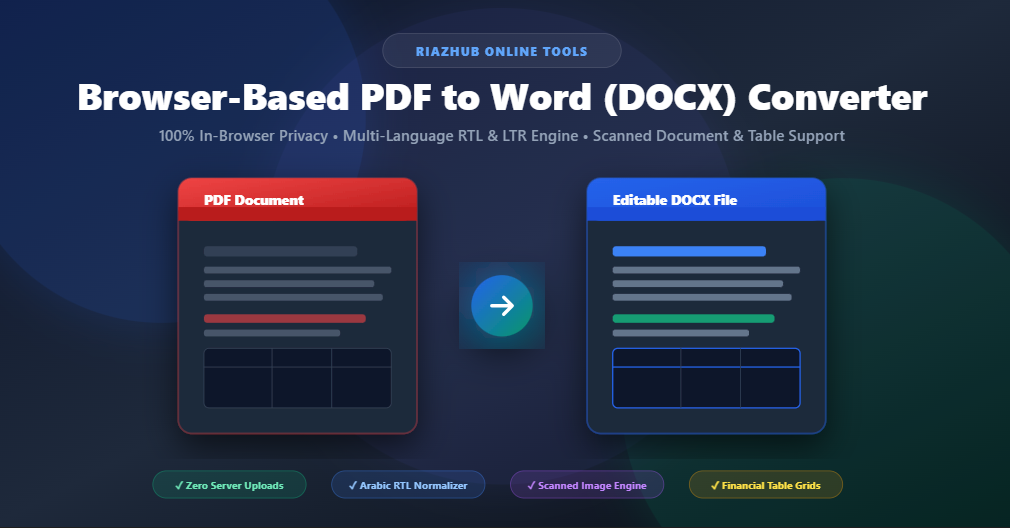
How to Convert PDF to Word (DOCX) Online with 100% Privacy & Arabic RTL Support
In today’s fast-paced digital environment, PDF (Portable Document Format) is the undisputed standard for sharing contracts, financial statements, tax invoices, and official letters. However, editing a PDF file or extracting structured tables from it can often be frustrating without expensive desktop software.
That is why we built the RiazHub PDF to Word Converter a state-of-the-art, client-side browser utility engineered to transform PDF files into fully editable Microsoft Word (.docx) and Rich Text (.rtf) files instantly, with zero server uploads.
Try the RiazHub PDF to Word Utility
Convert your PDFs into editable Word files directly in your web browser with 100% privacy guarantee.
Why Traditional PDF Converters Compromise Your Data Security
Most free online PDF conversion tools operate by uploading your private files to third-party cloud servers where background scripts process the document. For sensitive documents such as bank statements, employee records, tax invoices, or legal agreements remote processing creates significant privacy and compliance risks.
The PDF to Word Converter on RiazHub.com takes a fundamentally different architectural approach:
- Zero Server Uploads: Every byte of document parsing and OpenXML file creation happens 100% inside your device’s web browser memory.
- Complete Data Privacy: Your files never touch an external server or API endpoint.
- Instant Client-Side Processing: No waiting in server queues or dealing with file size download timeouts.
Key Technical Features of RiazHub’s PDF Engine
Arabic RTL & Global Script Normalization
Normalizes Arabic Presentation Form glyphs and applies physical air-gap geometry sorting for flawless Right-to-Left sentence flow in Word.
Scanned Image Document Fallback
Detects scanned or image-based PDFs without digital text layers and embeds high-DPI canvas renderings directly into .docx ImageRuns.
Financial Table Grid Reconstruction
Automatically clusters aligned multi-column rows in Statements of Account, Invoices, and Ledgers into native docx.Table grids.
Interactive Live Document Preview
View side-by-side PDF canvas source rendering alongside real-time extracted Word DOM preview with live word and page metrics.
Solving Arabic Right-to-Left (RTL) Extraction Issues
A common challenge when converting Arabic, Urdu, Persian, or Hebrew PDFs into Word documents is text reversal, disconnected letters, or spaced-out character glyphs (e.g. ﻓ ﺎ ﺗ ﻮ رة ﺿ ﺮ ﻳ ﺒ ﻴ ﺔ). PDF text streams frequently store Arabic letters as individual isolated presentation form glyphs.
Our utility incorporates a custom Arabic Presentation Form Normalizer Engine that automatically translates isolated glyphs into standard connected Unicode characters. Furthermore, it measures the physical horizontal air gap between vector coordinates on the page:
- Sub-Word Glyphs: Items separated by an air gap under
3ptare joined seamlessly into continuous words (e.g.,"فات"+"ورة"→"فاتورة"). - Word Boundaries: Items separated by air gaps over
3ptreceive proper word spacing (e.g.,"فاتورة"+"ضريبية"→"فاتورة ضريبية").
You can test this advanced multi-language support right now on the RiazHub PDF to Word tool page.
Step-by-Step Guide: How to Convert PDF to Word on RiazHub
- Navigate to the Converter Tool: Visit https://riazhub.com/pdf-to-word-converter in your web browser.
- Select or Drag Your File: Drag and drop your PDF document into the dropzone or click Choose PDF Document.
- Customize Settings (Optional): Toggle table grid auto-detection, page image extraction, or select specific page ranges (e.g.,
1-3, 5). - Review Live Preview: Verify the extracted text, tables, and page metrics in the Live Word Document Preview pane.
- Download Your File: Click Convert & Download Word (.docx) to instantly save your branded, fully editable Word document.
Ready to Convert Your Documents?
Experience fast, private, and accurate document conversion across all global languages.
Frequently Asked Questions (FAQ)
Is the RiazHub PDF to Word Converter completely free?
Yes! The tool on RiazHub.com is 100% free to use with no hidden subscription fees, file limits, or mandatory registration.
Can I convert scanned paper documents or photos of letters?
Absolutely. If a PDF contains scanned images or lacks a digital text layer, our engine automatically captures high-resolution page canvas renders and embeds them cleanly inside your Microsoft Word .docx file.
Does the tool support Microsoft Word formatting and tables?
Yes. Financial statements, invoice matrices, and Statements of Account are detected and structured into native Word docx.Table grids with customized cell alignments.
Start converting your documents today at https://riazhub.com/pdf-to-word-converter!
Browser-Based PDF to Word Converter
Convert PDF documents into editable Microsoft Word (.docx) files instantly. Supports all digital & scanned documents across global languages with 100% in-browser privacy.
Drag & Drop your PDF file here
or click anywhere in this box to select a document from your device
PDF to Word Conversion Guide & Best Practices
How In-Browser Vector & Layout Parsing Works
Our utility reads PDF vector text operators using PDF.js to extract exact font sizing, weight, alignment, and line coordinates directly inside your browser. It automatically groups text items into paragraphs, headings (H1/H2/H3), and tabular matrices without needing remote server parsing.
Multi-Language RTL & LTR Global Support (Arabic, Urdu, Hebrew, English, CJK)
The parser automatically detects Right-to-Left (RTL) scripts such as Arabic, Urdu, Persian, and Hebrew as well as Left-to-Right (LTR) languages. It applies appropriate bidirectional layout tags, character sequence ordering, and text alignment in the generated Word document.
100% Privacy & Data Security Guarantee
Your documents, financial statements, and contracts never leave your computer or mobile device. All text extraction and OpenXML .docx file generation occur strictly within your web browser memory. No files are uploaded to RiazHub.com servers or external third-party cloud APIs.