
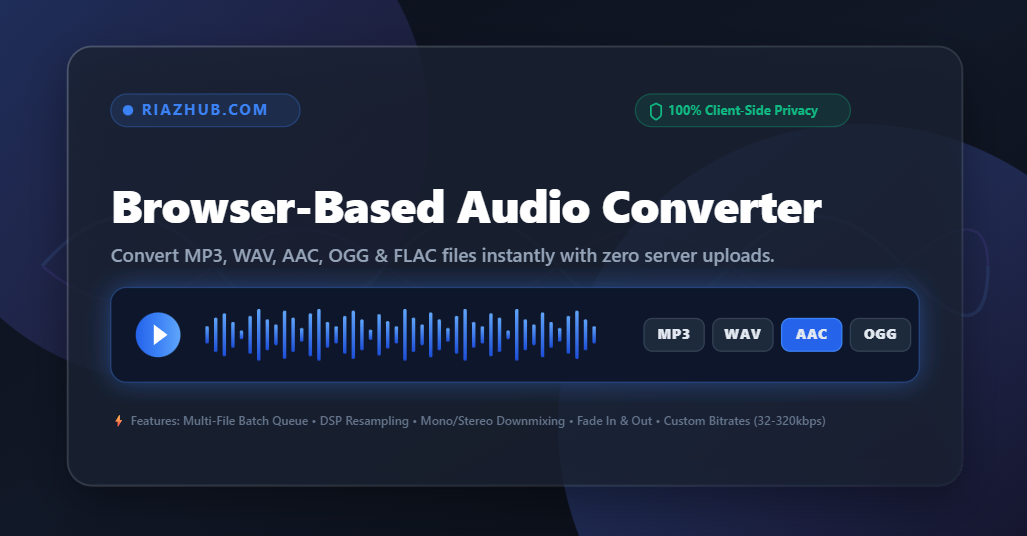
Need to convert audio files quickly without uploading your private recordings to external servers? The RiazHub Free Online Audio Converter provides a lightning-fast, 100% client-side browser solution to convert, resample, downmix, and edit audio files directly on your device.
Why Choose a Browser-Based Audio Converter?
Most online file conversion websites require you to upload heavy media files to their server, wait for cloud queue processing, and then re-download the output file. This process wastes precious Internet bandwidth, takes several minutes for large batches, and poses significant privacy risks for confidential voice notes, lectures, or copyrighted music tracks.
By utilizing modern browser technologies like the Web Audio API and client-side WebAssembly encoders, our Browser-Based Audio Converter on RiazHub processes your audio entirely in local memory.
- Zero Upload Time: Conversion starts instantly because files aren’t transmitted over the internet.
- Complete Privacy: Your voice recordings, music tracks, and recitations remain strictly on your local device.
- Batch Multi-File Processing: Select and convert multiple MP3, WAV, AAC, or OGG files simultaneously.
- Custom Audio DSP Controls: Adjust bitrates (32 kbps to 320 kbps), sample rates (22.05 kHz to 48 kHz), channels (Stereo / Mono), apply reverse playback, or add fade-in / fade-out effects.
Supported Audio Formats & Conversion Options
The RiazHub Audio Conversion Suite supports decoding all major audio containers and re-encoding them into popular universal web formats:
| Target Format | Supported Input Formats | Best Used For | Key Advantage |
|---|---|---|---|
| MP3 | WAV, AAC, OGG, FLAC, M4A, WEBM, WMA | Universal media players, car stereos, podcasts | Maximum device compatibility |
| WAV | MP3, AAC, OGG, FLAC, M4A, WEBM | Studio editing, DAW software, sound design | Uncompressed 16-bit PCM lossless quality |
| AAC | MP3, WAV, OGG, FLAC, M4A, WMA | Apple iTunes, iPhones, modern streaming apps | Higher quality audio at lower bitrates than MP3 |
| OGG | MP3, WAV, AAC, FLAC, WEBM, M4A | Web applications, gaming engines (Unity/Unreal), HTML5 | Open-source high efficiency codec |
Understanding Audio Bitrate vs. File Size
A frequent question users ask when converting audio is: “Why did my converted file size increase or decrease?”
Audio file size is primarily dictated by two parameters: Audio Duration and Bitrate (kbps). Bitrate refers to the number of kilobits of data stored per second of audio:
File Size (in KB) = [ Bitrate (in kbps) × Duration (in seconds) ] ÷ 8How to Choose the Right Bitrate:
- Auto / Smart Match (Recommended): Automatically detects your original file’s bitrate to maintain the ideal balance of audio quality and original file size. Try it now on the RiazHub Audio Converter Page.
- 32 kbps – 48 kbps (Voice & Recitations): Perfect for voice recordings, audiobooks, Quran recitations, and speech lectures. Reduces file size dramatically while maintaining speech clarity.
- 64 kbps – 128 kbps (Standard Quality): Ideal for casual music streaming, podcasts, and web video background audio.
- 192 kbps – 320 kbps (High Fidelity Music): Recommended for music tracks where preserving deep bass, clear highs, and full dynamic range is essential.
Step-by-Step: How to Convert Audio Files Online
- Open the Tool: Visit the RiazHub Audio Converter Web App in your desktop or mobile browser.
- Select or Drag & Drop Files: Click the drop zone or drag one or multiple audio files (MP3, WAV, AAC, OGG, FLAC, etc.) into the upload box.
- Customize Audio Settings:
- Choose your Target Format (MP3, WAV, OGG, or AAC).
- Select an Audio Bitrate (Auto Smart Match, 32 kbps for speech, or up to 320 kbps for high quality).
- Optionally set Sample Rate and Channel Mode (Stereo vs. Mono).
- Expand Advanced Options if you want to reverse the audio or add Fade In / Fade Out effects.
- Convert & Download: Click “Convert All” (or convert individual files). The browser decodes the audio in real time and triggers an instant download with clean
RiazHub_file branding!
Frequently Asked Questions (FAQ)
Is the RiazHub Audio Converter completely free?
Yes! The RiazHub Audio Converter Utility is 100% free with no file limit, no registration required, and no hidden subscriptions.
Are my audio files stored or uploaded to any server?
No. Our converter operates 100% locally inside your web browser using HTML5 Web Audio and client-side JavaScript. Your audio files are never uploaded, stored, or analyzed on any external server.
Can I convert multiple audio files at once?
Yes, our batch queue support allows you to upload multiple files simultaneously, customize settings, and convert them all with a single click on the RiazHub Audio Converter App.
Does converting MP3 to WAV restore lost audio quality?
Converting a compressed MP3 file to uncompressed WAV creates a lossless container file, but it cannot restore audio data that was discarded during the original MP3 encoding. However, WAV is recommended if you plan to edit or mix the audio in digital audio workstations (DAWs).
Ready to Convert Your Audio Files Privately?
Start converting your music, podcasts, and voice notes instantly without installing any software or uploading files to third-party servers.