
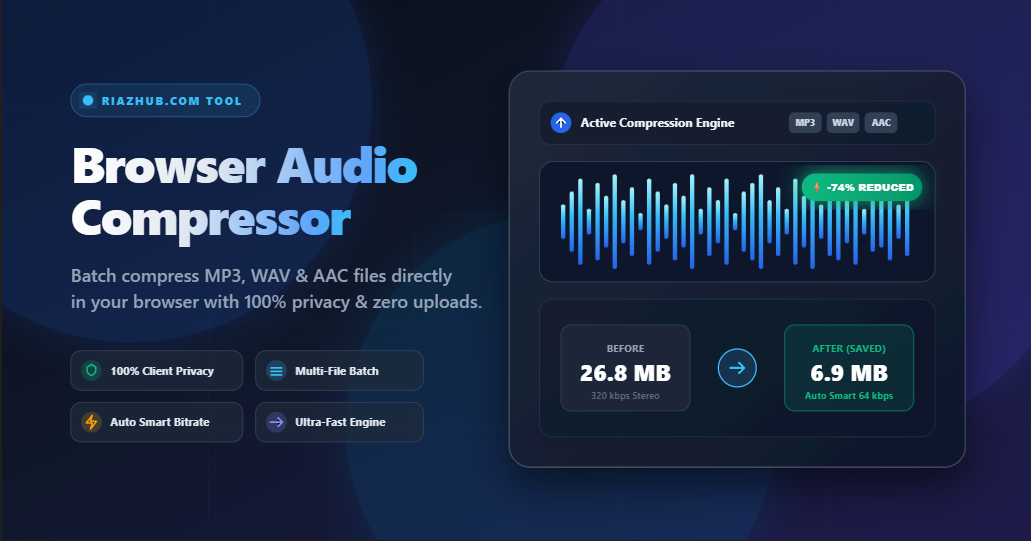
In today’s digital landscape—whether you are producing podcasts, uploading audio to WordPress, sending voice notes via email, or optimizing music tracks for web applications—large audio file sizes can slow down your workflow and consume valuable storage space. If you’ve been looking for a fast, secure, and free solution, the RiazHub Online Audio Compressor provides lightning-fast browser-based compression without ever uploading your private files to an external server.
🚀 Ready to Shrink Your Audio Files?
Try the free tool now with zero registration and instant download support.
Why Audio Compression Matters for Web & Storage
Uncompressed audio formats like WAV or high-bitrate MP3 files (320 kbps) can easily exceed 50 MB to 100 MB per file. Placing large audio files on your website or blog causes page load delays, increases bandwidth costs, and leads to higher bounce rates from visitors on mobile connections.
By utilizing the RiazHub Audio Compression Tool, you can slash file sizes by 40% to 70% while preserving crisp sound clarity.
Key Features of RiazHub’s Free Audio Compressor
1. 100% Client-Side Privacy (Zero File Uploads)
Unlike conventional online audio converters that force you to upload sensitive audio recordings to unknown remote servers, RiazHub processes everything locally inside your browser. Powered by modern Web Audio API technology, your audio never leaves your device. This privacy-first design guarantees 100% data security for personal voice memos, unreleased musical tracks, and confidential business meetings.
2. Multi-File Batch Compression Engine
Have a folder full of voice recordings or album tracks? You don’t need to process them one by one. Simply drag and drop multiple audio files into the RiazHub Multi-File Audio Compressor. Our ultra-fast multithreaded processing engine compresses multiple files sequentially in seconds and allows you to download all compressed files in a single click.
3. Auto Smart Compress Bitrate Engine
One common problem with online compressors is accidentally increasing file size when compressing low-bitrate voice notes. RiazHub solves this with an intelligent ⚡ Auto Smart Compress Engine. The tool automatically analyzes the original file’s source bitrate and picks an optimal target bitrate (e.g. downmixing stereo to mono and selecting 16kbps–64kbps) to guarantee that your output file is always significantly smaller than the original input file.
4. Wide Format Support (MP3, WAV, AAC, OGG, FLAC, M4A)
Whether your source file is an uncompressed .wav studio recording, an Apple .m4a voice memo, or an .ogg web stream, the RiazHub Web Audio Tool seamlessly decodes all major formats and exports clean, optimized MP3, WAV, or OGG files.
How to Compress Audio Files Online (Step-by-Step)
- Open the Tool: Visit the RiazHub Audio Compressor Page.
- Select or Drag Audio Files: Drop single or multiple audio files (MP3, WAV, AAC, etc.) into the interactive upload card.
- Choose Your Compression Settings:
- Keep the default ⚡ Auto Smart Compress for automatic maximum size savings.
- Or manually choose presets like Maximum (-70%), Balanced (-40%), or Light (-20%).
- Optionally adjust Audio Bitrate (16 kbps to 320 kbps), Sample Rate (44.1 kHz to 22.05 kHz), and Channels (Mono or Stereo).
- Click Compress & Download: Press the Compress All Audio Files & Download button. In just a couple of seconds, your compressed files will be ready for instant download with custom site branding.
Recommended Audio Compression Settings Guide
| Audio Content Type | Recommended Bitrate | Channels | Expected Size Reduction |
|---|---|---|---|
| Voice Notes / Speech / Lectures | 24 kbps – 32 kbps | Mono (1 Channel) | 65% to 80% Smaller |
| Podcasts & Audiobooks | 64 kbps – 96 kbps | Mono / Stereo | 50% to 65% Smaller |
| Standard Web Music / Background Audio | 128 kbps | Stereo (2 Channels) | 35% to 50% Smaller |
| High-Fidelity Master Tracks | 192 kbps – 256 kbps | Stereo (2 Channels) | 20% to 35% Smaller |
Frequently Asked Questions (FAQ)
Is RiazHub Audio Compressor completely free?
Yes! RiazHub’s audio compressor is 100% free with no limits, hidden fees, subscriptions, or file size paywalls.
Are my uploaded audio files safe?
Absolutely. RiazHub uses client-side Web Audio API technology. Your files are processed entirely in your computer’s RAM or phone memory and are never transmitted across the internet to any server.
Will compressing audio reduce its sound quality?
When using RiazHub’s Auto Smart Compress mode, the algorithm reduces redundant frequency data that the human ear barely notices, maintaining excellent audio clarity while significantly shrinking file size.
Start Compressing Your Audio Files Today!
Stop struggling with large audio uploads, server timeouts, and slow website performance. Experience instant, private, and batch audio compression directly in your browser.