
How to Add QR Codes and Barcodes to PDF Online (Free & 100% Secure)
Whether you manage digital invoices, legal contracts, logistics documentation, or asset tracking sheets, adding scannable 2D QR Codes or 1D Barcodes directly onto PDF pages is essential for streamlining document verification. However, traditional methods often require installing expensive PDF editing software or uploading sensitive corporate files to external servers.
With the Add QR Code & Barcode to PDF Tool on RiazHub, you can generate, customize, drag, and stamp high-resolution QR codes and barcodes onto any PDF file completely inside your web browser with zero file uploads and 100% data privacy.
Why Overlay Barcodes & QR Codes on PDF Documents?
Digital document stamping embeds machine-readable data onto electronic documents. Here are the most popular use cases:
- Invoice & Order Verification: Stamp payment URLs, transaction hashes, or billing reference keys on PDF invoices so clients can pay instantly by scanning with a smartphone.
- Inventory & Asset Management: Attach standard 1D barcodes (such as Code 128 or EAN-13) to product specification sheets, packing lists, and warehouse dispatch receipts.
- vCard & Contact Distribution: Add a vCard QR Code on corporate PDF profiles, resumes, or brochures so recipients can save contact details to their phone address book with a single scan.
- Document Authentication: Place encrypted verification URLs or digital serial numbers on certificates, legal contracts, and ticket vouchers to prevent tampering.
Step-by-Step Guide: How to Stamp Barcodes on a PDF Online
You can use the RiazHub Add QR Code & Barcode to PDF Utility in just five simple steps:
- Select your PDF Document: Open the RiazHub PDF Barcode Stamping Tool and drop your PDF into the interactive upload area. The tool parses file information, page count, and exact millimeter dimensions instantly.
- Choose Your Code Format: Select between a 2D QR Code (URLs, plain text, vCard, WhatsApp links) or a 1D Linear Barcode format (Code 128, EAN-13, UPC-A, Code 39, ITF-14).
- Customize Code Payload & Style: Enter your text or URL data. Adjust physical width and height (in millimeters), foreground/background colors, transparent background toggles, quiet zone padding, and opacity levels.
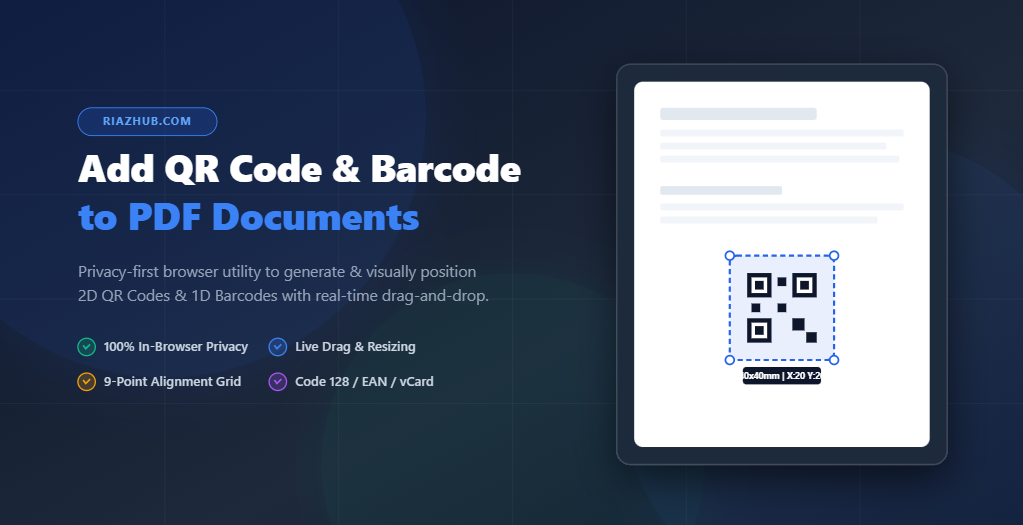
- Drag & Position Visually: Use the interactive PDF page viewer to click and drag the code box anywhere over your PDF page. Alternatively, click any of the 9 quick-alignment grid buttons (Top-Left, Center, Bottom-Right, etc.) for exact placement.
- Download Your Stamped PDF: Click “Apply Code & Download PDF”. The browser rebuilds your document and triggers an immediate download with clean file naming.
🔒 100% Client-Side Privacy Guarantee: The RiazHub PDF Stamping Tool processes all vector rendering, coordinate scaling, and PDF compilation locally inside your web browser. No PDF files or confidential payload data are ever uploaded to an external server.
Supported Barcode & QR Code Formats
The utility on RiazHub.com supports an extensive set of 1D linear barcodes and 2D QR matrix presets:
QR Code (2D Matrix)
Supports Web URLs, plain text, vCard contact cards, and WhatsApp message links with selectable Error Correction Levels (Low, Medium, Quartile, High).
Code 128 (Alphanumeric)
High-density 1D barcode standard widely used for logistics, shipping labels, inventory management, and serial numbers.
EAN-13 & UPC-A
Standard retail barcodes for 13-digit global product identification and 12-digit North American retail packaging.
Code 39 & ITF-14
Industrial barcode formats designed for military, automotive, transport, and carton packaging tracking.
Tips for Optimal Barcode Print Scannability
- Ensure High Contrast: Use dark code lines (black or dark navy) over a light or transparent background for laser scanners.
- Respect the Quiet Zone: Maintain a clean padding / quiet zone margin around the barcode so scanners can identify start and stop boundaries easily.
- Scale to Exact Physical Millimeters: Set precise millimeter dimensions using the RiazHub PDF Stamping Utility width/height sliders to guarantee crisp readability when printed on paper.
Start Stamping Your PDF Files Online
Streamline your document workflow with a fast, private, and powerful PDF stamping utility. You can access the tool anytime on RiazHub:
Add QR Code & Barcode to PDF
Stamp custom QR Codes or 1D Barcodes onto PDF pages instantly
Drag & Drop your PDF document here
Supports standard PDF files up to 200MB • No file leaves your device