

Discover how to shrink large PDF documents, compress multiple files in batch, convert scanned pages to grayscale, and merge PDFs all completely client-side in your web browser.
Portable Document Format (PDF) files are the universal standard for sharing documents, reports, legal contracts, and ebooks across the internet. However, large PDF file sizes often caused by high-resolution embedded images, unoptimized page streams, or uncompressed scans frequently lead to frustrating issues:
- Email attachment limits (e.g., 20 MB or 25 MB caps on Gmail and Outlook).
- Slow website page load times when hosting PDF downloads.
- Rejected portal submissions for government, university, or job applications.
- Wasted local storage space on smartphones and computers.
While many online PDF compressor websites exist, most require you to upload your sensitive personal documents, tax receipts, or confidential business reports to an external cloud server. This creates significant privacy and data security risks.
That is why we built the RiazHub Free Online PDF Compressor a modern, browser-based digital utility that processes and compresses your PDFs directly on your device without sending a single byte of your data to any external server.
Why Client-Side PDF Compression Matters for Privacy
Traditional PDF optimization websites operate by uploading your PDF to a remote server, running server-side compression scripts, and providing a download link. This model has severe drawbacks:
- Privacy Risks: Your private invoices, contracts, or identification documents are temporarily stored on foreign servers.
- Slow Upload Speeds: If you have a slow internet connection or a multi-gigabyte file, uploading takes minutes.
- File Size Limitations: Most traditional tools impose strict 10 MB or 50 MB upload limits unless you pay for a premium subscription.
With the RiazHub Browser-Based PDF Compressor, all PDF parsing, HTML5 canvas re-encoding, object stripping, and re-assembly happen strictly inside your browser using advanced Web APIs (PDF.js and PDF-LIB). Your files never leave your computer, ensuring 100% privacy and lightning-fast speed.
Key Features of the RiazHub PDF Compressor
Zero file uploads to external servers. All processing happens locally inside your browser cache.
Upload and process single or dozens of PDF files simultaneously with one click.
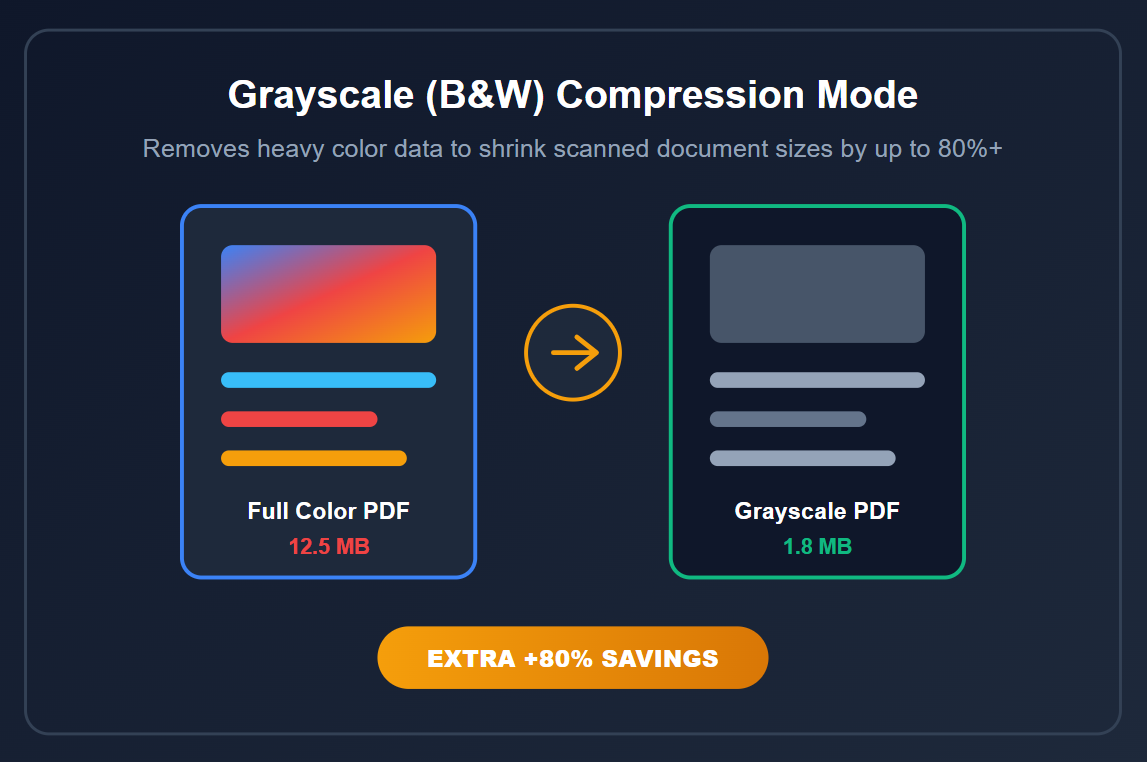
Convert color scanned pages into sharp monochrome grayscale to achieve up to 80%+ file size reduction.
Merge all your compressed PDFs into a single unified document directly in your browser.
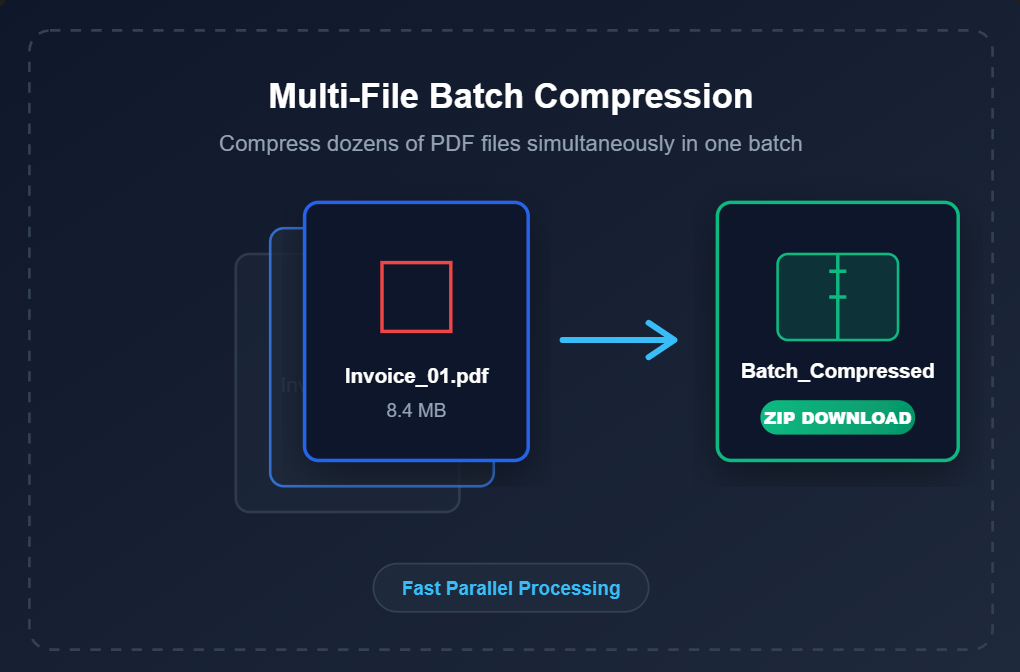
Download all compressed files as a single organized RiazHub.com-compressed-pdfs.zip package.
Choose between Extreme (Max Savings), Recommended (Best Balance), or Low (High Resolution).
How to Compress PDF Files Online: Step-by-Step Guide
Reducing the size of your PDF files on RiazHub is straightforward and requires no registration or software installation:
Step 1: Open the Utility
Navigate to the official RiazHub Online PDF Compressor Page on any browser (Chrome, Firefox, Safari, Edge, or mobile browsers).
Step 2: Upload Your PDF File(s)
Drag and drop your PDF files directly into the interactive dropzone, or click Browse to select single or multiple PDF documents from your computer or smartphone.
Step 3: Select Your Compression Preset
Choose your desired compression profile based on your document needs:
- Recommended Compression (Default): Provides an optimal balance between crisp image quality and high file size reduction.
- Extreme Compression: Maximizes byte reduction by down sampling heavy embedded images ideal for scanned PDFs or email attachments.
- Low Compression: Mild compression retaining high visual clarity for official certificates and high-res prints.
Optional Tip: If you are compressing scanned contracts or black-and-white forms, enable the Convert Embedded Images to Grayscale (B&W) toggle to eliminate color payload data and gain an additional 50% to 80% space savings!
Step 4: Click Compress and Download
Click Compress Selected PDF(s). Once processing completes in seconds, you can download files individually, download all files as a ZIP archive, or merge them into a single PDF document.
Ready to Shrink Your PDF Documents?
Fast, secure, unlimited, and free for all users worldwide.
Try RiazHub PDF Compressor Now →
RiazHub PDF Compressor vs. Traditional Online Tools
Here is how our client-side compression technology compares against standard web tools:
| Feature / Metric | RiazHub PDF Compressor | Traditional Online Compressors |
|---|---|---|
| Data Privacy | 100% Private (No Uploads) | Files Uploaded to Cloud |
| Batch File Processing | Yes (Multiple PDFs) | Often Locked Behind Paywall |
| Grayscale / B&W Mode | Included Free | Rare / Paid Only |
| PDF Merging & ZIP Download | Built-in (1-Click) | Requires Separate Tool |
| Processing Speed | Instant (Uses Local CPU) | Dependent on Upload Speed |
| Filename Preservation | Appends RiazHub.com | Generic / Random String |
Frequently Asked Questions (FAQ)
Q: Is RiazHub PDF Compressor really 100% free?
Yes! Our tool is completely free with no registration, no hidden subscriptions, and no file size limits. You can access it anytime at https://riazhub.com/pdf-compressor/.
Q: Are my confidential PDF documents safe when using this tool?
Absolutely. Because the utility operates 100% client-side via JavaScript, your PDF content never leaves your browser window. Neither RiazHub nor any third party can access or view your files.
Q: How much can I reduce my PDF file size?
Compression ratios vary based on PDF content. Documents with large embedded images or scanned pages can be reduced by 50% to 90%. Text-heavy vector PDFs will see moderate optimization.
Q: Can I compress multiple PDF files at the same time?
Yes! You can drag and drop multiple PDF files into the upload area. The tool will process them in batch and allow you to download them individually, in a ZIP file, or merged into one document.
Conclusion
Reducing your PDF document sizes no longer requires sacrificing privacy or paying for bloated software subscriptions. With modern browser-based client-side technology, you can compress, optimize, convert to grayscale, and merge PDF files in seconds with zero security concerns.
Bookmark the RiazHub Free PDF Compressor today for all your digital document optimization needs!