
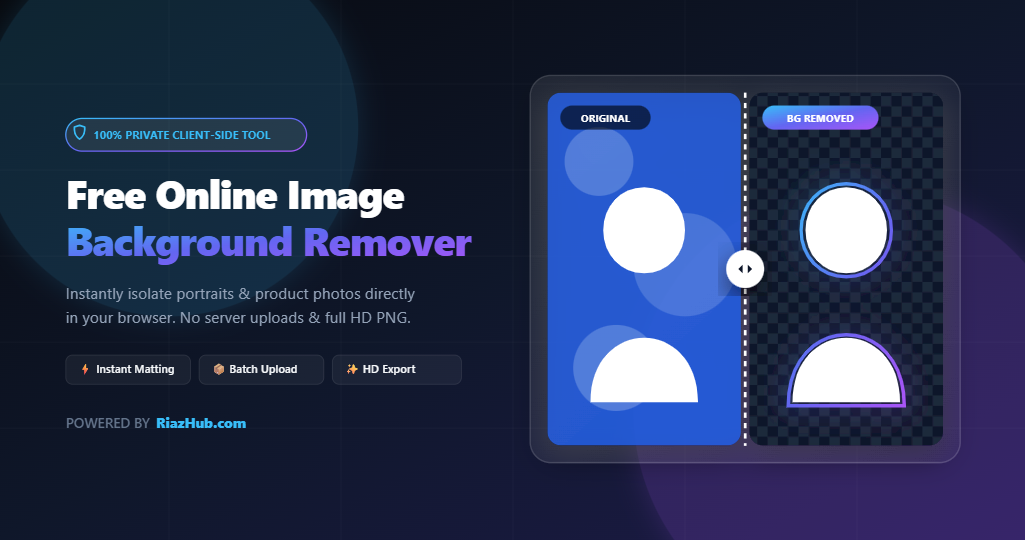
Introduction: The Ultimate Free Background Removal Solution
In modern web design, e-commerce, content creation, and graphic editing, isolating subjects from complex backgrounds is an essential daily task. Whether you are preparing product images for online stores, editing passport photos, or designing engaging social media banners, clean background removal makes your visual content stand out.
However, traditional software like Photoshop requires expensive subscriptions and complex manual tracing, while many cloud-based websites limit free downloads to tiny low-resolution previews or upload your sensitive photos to remote servers. That is why we created the RiazHub Image Background Remover—a completely free, browser-based background isolation engine designed for speed, accuracy, and total privacy.
Try the tool directly here: https://riazhub.com/image-bg-remover/
Why Use RiazHub Image Background Remover?
The RiazHub Online Background Remover delivers professional-grade Remove.bg-style cutout quality directly on your device. Here is what sets it apart from standard online cutout tools:
- 100% Client-Side Privacy: Your photos are processed exclusively inside your web browser’s memory. No images are ever uploaded to any external server or saved in third-party databases.
- Batch Multi-Image Processing: Upload and process multiple photos at once with seamless batch background removal.
- High-Precision Perceptual Matting: Automatically isolates human subjects, faces, hair, beards, traditional turbans/caps, white clothing, and studio product items from studio gradients and event crowds.
- Live Sensitivity & Edge Feather Sliders: Fine-tune removal thresholds in real time. Setting sensitivity to 0 instantly restores your image to its original state.
- Interactive Fine-Tuning Tools: Includes Erase Brush, Restore Detail Brush, Color Wand, and a 1-click Reverse Mask toggle.
- Custom Background Replacement: Instantly replace removed backgrounds with solid colors, vibrant gradients, custom uploaded background images, or soft blur effects.
- Full HD Free Downloads: Download your completed background-removed cutouts in full-resolution PNG or JPG format with zero watermarks.
Key Features Breakdown
1. Multi-File Batch Background Removal
Tired of uploading photos one by one? With the RiazHub Image Background Remover, you can drag and drop multiple images at once. Easily switch between batch thumbnails, adjust individual cutouts, or click Download All to export every processed image in seconds.
2. Real-Time Sensitivity & Feathering Adjustments
Every photo has unique lighting and background contrast. Our live control panel gives you complete artistic control:
- Sensitivity Slider (0 to 100): Slide to 0 to view your 100% original photo. Increase sensitivity to cleanly erase passport blue gradients, studio backdrop shadows, or crowded event backgrounds.
- Edge Feather Slider: Soften harsh cutout borders around hair strands and clothing edges for natural composition.
- Background Blur Slider: Keep the original background but apply a smooth DSLR bokeh blur effect behind your subject.
3. Precision Manual Editing Tools
For intricate photos containing tiny details, the RiazHub Background Remover Tool provides built-in canvas editing tools:
- Erase Tool: Manually erase any unwanted background artifacts with a customizable brush size.
- Restore Detail Tool: Easily paint back any subject details that were accidentally removed.
- Color Wand: Click directly on any specific background color to instantly target and erase matching color shades across the image.
- Reverse Mask: Swap your cutout mask in one click to invert background and foreground selections, then click again to toggle back smoothly.
How to Remove Image Backgrounds Step-by-Step
- Access the Tool: Open the RiazHub Image Background Remover in any desktop or mobile browser.
- Upload Your Image(s): Drag and drop your image files into the dropzone or click to select single or multiple photos from your device.
- Automatic Background Removal: The tool instantly isolates your subject and removes the outer background in under 1 second.
- Review & Adjust: Compare your results using Side by Side or the interactive Before / After Slider. Adjust the Sensitivity or Edge Feather sliders if needed.
- Choose a New Background: Select transparent background, choose a preset color swatch, pick a custom color with the color picker, or upload your own custom background picture.
- Download Full HD Result: Click Download HD (Full Res PNG) to save your transparent portrait or product photo without loss of quality.
Popular Use Cases
- E-Commerce & Online Stores: Create clean, white-background product photography for Amazon, Shopify, eBay, and WooCommerce listings.
- Passport & ID Photography: Replace studio backdrops with solid white or official blue backgrounds for passport and visa applications using RiazHub’s Background Tool.
- Graphic & Web Design: Extract subjects cleanly to compose website headers, hero banners, and promotional flyers.
- Social Media Content: Make eye-catching YouTube thumbnails, Instagram posts, and profile avatars.
Conclusion: Try RiazHub Image Background Remover Today
Removing background from images no longer requires complex graphic editing skills or premium cloud subscriptions. Enjoy lightning-fast, private, and high-quality background removal directly in your browser with no limits.
Experience fast and free background removal right now by visiting the RiazHub Image Background Remover Web App.