
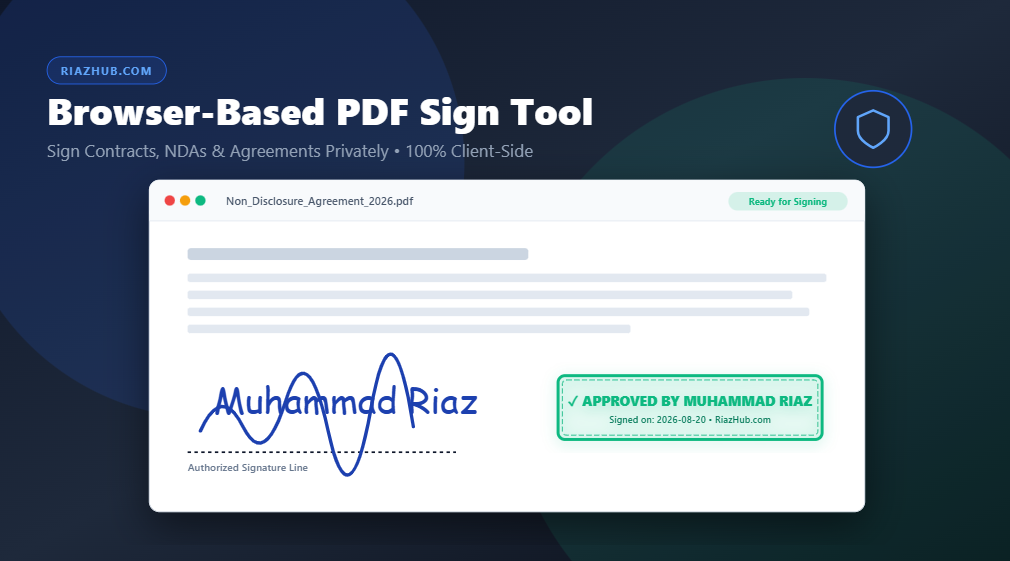
How to Sign PDF Documents Online Privately In Your Browser (No Server Uploads)
Discover how client-side WebAssembly technology enables 100% legal, fast, and confidential PDF digital signatures without transmitting sensitive contracts to remote servers.
The Hidden Privacy Risks of Conventional E-Sign Utilities
In today’s remote work and digital business environment, signing documents online has become an everyday requirement. From Non-Disclosure Agreements (NDAs) and employment offers to vendor contracts and lease agreements, millions of PDFs are signed electronically every day.
However, traditional online e-sign services introduce a significant security vulnerability: they require you to upload your sensitive legal files to third-party cloud servers. When you upload a private contract to a standard website, your financial details, personal addresses, legal obligations, and corporate secrets sit on external databases where they can be logged, analyzed, or exposed to security breaches.
This is why privacy-conscious professionals and enterprises are shifting toward client-side utilities like the RiazHub Browser-Based PDF Signer, which processes document compilation locally inside your web browser with zero file transmission.
How Client-Side PDF Signing Works
Client-side document signing leverages modern JavaScript APIs (HTML5 Canvas and WebAssembly PDF engines) to manipulate PDF vector structures directly inside your device’s RAM memory. Here is what happens when you sign a document using the https://riazhub.com/pdf-sign-tool web utility:
- Local File Parsing: Your PDF file is read using the HTML5 FileReader API. The file never leaves your computer or smartphone.
- High-DPI Viewport Rendering: PDF pages are rendered onto an HTML5 canvas at crisp resolutions for precise placement.
- Vector & Raster Overlay Mapping: Signatures, text fields, and rubber stamps are converted into transparent PNG streams.
- Coordinate Matrix Translation: Interactive screen UI coordinates are mathematically mapped onto PDF vector point dimensions (72 points per inch) to guarantee exact positioning.
- Instant Browser Rebuilding: The new signed PDF is generated in memory and downloaded instantly via blob URL.
Key Features of the RiazHub PDF Sign Tool
Designed tailored for modern digital utility standards, the Browser-Based PDF Sign Tool on RiazHub.com packs enterprise-grade features into a lightweight, zero-install interface:
1. Interactive Signature Drawing Canvas
Draw natural, smooth handwritten signatures using your mouse, trackpad, or touchscreen stylus. Smooth quadratic Bezier curve stroke smoothing ensures your signature looks elegant without pixelated jagged edges.
2. Cursive Signature Typography Studio
Don’t want to draw by hand? Type your name (e.g. Muhammad Riaz) and choose from 5 handwriting cursive font presets including Great Vibes, Dancing Script, Caveat, Sacramento, and Pacifico.
3. Image Signature Upload with White Background Remover
Upload a photo or scan of your physical signature or company logo. The built-in automatic background remover strips away white or light paper backgrounds, turning your signature into a clean transparent overlay.
4. Customizable Rubber Stamp & Badge Studio
Create professional rubber seals and corporate approval badges with custom border styles (Solid Box, Double Seal, Rounded Badge, Dashed Security, or Clean Text), background fill modes (Transparent, Light Tint, Solid Filled), and customizable ink color palettes.
5. Multiple Date & Time Stamp Presets
Add verification timestamps in multiple looks: ISO date format (2026-08-20), 12-hour date & time (20/08/2026 06:36 PM), short month, or customized audit text badges.
Step-by-Step: How to Sign a PDF Online in 4 Easy Steps
- Open the Tool: Navigate to the RiazHub PDF Sign Tool in any desktop or mobile browser.
- Upload Your PDF Document: Drag and drop your file into the upload zone or click “Browse Local File”.
- Create & Place Your Signature: Click “Create Digital Signature or Stamp” to draw, type, or upload your signature. Click “Place on PDF” and drag it to the exact signature line on your target page.
- Download Your Signed File: Click “Apply Signature & Download Signed PDF”. Your document is compiled locally and downloaded instantly as
[FileName]_Signed_with_RiazHub.com.pdf.
Are In-Browser Electronic Signatures Legally Valid?
Yes. Under major international electronic signature laws—including the US ESIGN Act of 2000, the UETA, and the EU eIDAS Regulation (Article 25)—electronic signatures carry the same legal admissibility as traditional pen-and-paper wet signatures for standard commercial agreements, NDAs, invoices, and service contracts.
By signing your contracts through the RiazHub PDF Sign Tool, you maintain full legal compliance while preserving 100% confidential data sovereignty.
Browser-Based PDF Digital Signer
Drag & Drop your PDF document here
Supports standard PDF files up to 50MB