
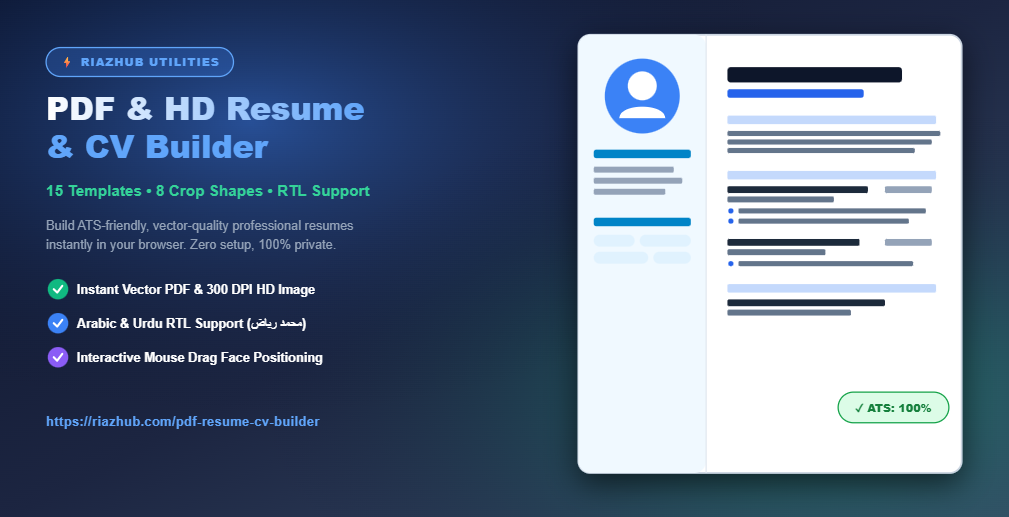
How to Create a Professional, ATS-Friendly Resume in Minutes with RiazHub PDF Resume Builder
To eliminate these common candidate struggles, we built the RiazHub PDF Resume & CV Builder a browser-based, privacy-first, free utility designed to generate flawless vector PDFs and 300 DPI HD images tailored for top-tier job applications.
Why ATS-Optimization Matters for Modern Job Seekers
More than 90% of Fortune 500 companies and modern recruitment agencies use Applicant Tracking Systems (ATS) like Lever, Greenhouse, and Workday to automatically screen incoming applications. Traditional graphics programs or poorly structured PDF editors frequently output non-standard text layers, causing ATS software to misread contact numbers, work experience dates, or bullet points.
The RiazHub PDF Resume & CV Builder addresses this challenge by generating clean, structured HTML5 DOM layers combined with high-precision vector PDF rendering. Every document created using the generator receives a real-time ATS Compatibility Score to ensure your application passes automated screening filters seamlessly.
Key Features of the RiazHub PDF Resume Generator
🎨 15 Professional Layouts
Choose from Corporate Two-Column, Executive Classic, Minimalist Slate, Tech Gradient, Modern Emerald, Floating Card, and Swiss Architectural styles.
🖼️ Interactive Photo Studio
Crop profile photos into 8 distinct shapes (Circle, Squircle, Hexagon, Octagon, Diamond, Oval). Includes face zoom and drag-to-move positioning.
🌍 Universal RTL Support
Native Right-to-Left (RTL) text support for Arabic (أميري / القاهرة) and Urdu (نستعليق) with bidirectional punctuation isolation.
🔒 100% Client-Side Privacy
All resume data is processed strictly inside your web browser. No personal data, photos, or documents are ever uploaded to external servers.
Step-by-Step Guide: Building Your Resume with RiazHub
Step 1: Access the Online Generator
Navigate directly to the RiazHub PDF Resume & CV Builder tool page. The app loads instantly in any modern web browser without requiring account registration or software installations.
Step 2: Choose Your Template & Theme Palette
Select from 15 curated resume layout templates in Card 1. You can customize accent colors, heading fonts, body text colors, font sizes (9pt to 11pt), and page document padding (Compact 16px, Standard 26px, or Spacious 36px).
Step 3: Upload & Position Your Profile Photo
Upload your headshot image. Use the interactive Face Zoom slider and Drag-to-Move mouse controls to center your face inside your choice of 8 crop shapes. Our offscreen canvas pre-cropped rendering engine guarantees your photo exports to PDF without squishing or misaligning.
Step 4: Fill Personal Information & Work Experience
Input your name, target job role, contact email, phone, location, and social links. Add your professional summary and dynamic work experience entries. Bullet points automatically format with clean bullet symbols (•) that maintain perfect alignment in both English (LTR) and Arabic/Urdu (RTL).
Step 5: Export Your Resume in PDF, HD JPG, or Print Format
Once satisfied with your ATS score, click Download PDF to export a multi-page vector PDF, click HD JPG for a 300 DPI image file, or click Print for paper copy output.
Comparison: RiazHub vs. Traditional Online Resume Builders
| Feature / Capability | RiazHub Resume Builder | Typical Online Builders |
|---|---|---|
| 100% Free Export (No Paywalls) | ✓ Yes (Unlimited) | ❌ Hidden Fees at Export |
| Client-Side Privacy Protection | ✓ Yes (Zero Server Upload) | ❌ Server Storage Required |
| RTL Arabic & Urdu Alignment | ✓ Yes (Native Isolation) | ❌ Broken RTL Formatting |
| Vector PDF & 300 DPI HD Image | ✓ Both Formats Included | ❌ Low Res PDF Only |
| Interactive Drag Face Zoom Studio | ✓ 8 Shapes + Drag Move | ❌ Static Square Crop Only |
Frequently Asked Questions (FAQ)
Conclusion
Creating a polished, professional CV should not require expensive software or complicated graphic design skills. With the RiazHub PDF Resume & CV Builder, job seekers worldwide can craft customized, ATS-friendly vector resumes in minutes.
🎨 Template, Fonts & Color Config
▼📁 Drag & Drop photo here or Browse