
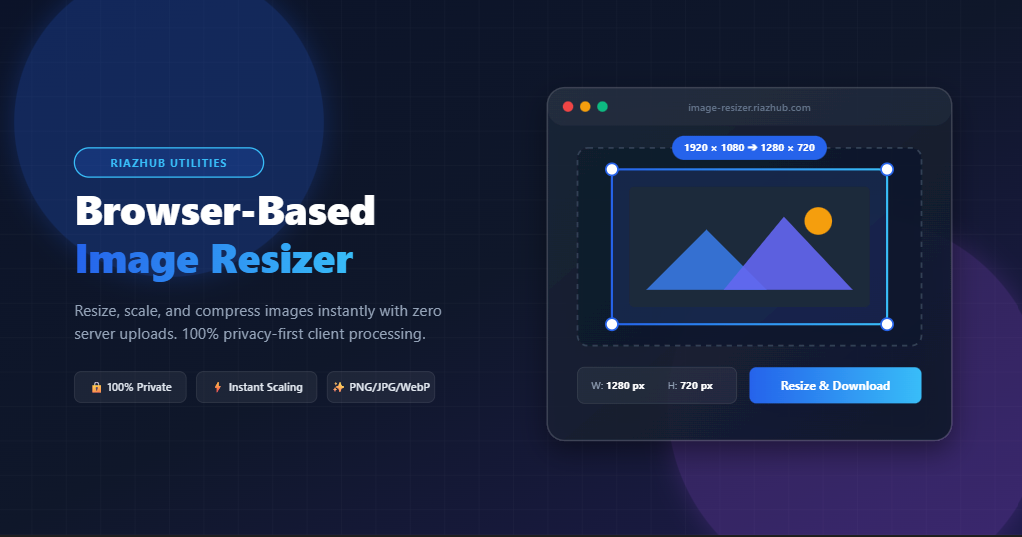
Free Online Image Resizer: Resize, Scale & Compress Images Instantly in Your Browser
Optimize your images for websites, social media, and email without compromising quality or risking your data privacy. Experience lightning-fast, 100% browser-based resizing using our free Online Image Resizer Tool.
Why Optimizing Image Dimensions Matters
Whether you are running a WordPress blog, managing an e-commerce storefront, or uploading content to Instagram and YouTube, image size plays a critical role in user experience and search engine optimization (SEO). Large, uncompressed camera uploads can slow down page loading speeds, leading to higher bounce rates and poor mobile usability.
By using the RiazHub Free Image Resizer, you can instantly scale images down to exact pixel dimensions, adjust aspect ratios for social media posts, and apply quality compression to reduce file sizes dramatically.
100% Client-Side Processing: Privacy You Can Trust
Traditional online image resizers require you to upload sensitive photos, personal graphic designs, or proprietary documents to external third-party servers. This poses a major privacy and security risk.
Our Browser-Based Image Resizer is engineered with modern HTML5 Canvas technology and JavaScript `FileReader` APIs. All scaling math, quality compression, and file re-encoding happen 100% locally inside your web browser. Your image data never leaves your device or touches any remote server, giving you complete peace of mind.
Key Features of the RiazHub Image Resizer
- Multiple Format Support: Drag & drop PNG, JPG/JPEG, WebP, GIF, and BMP files seamlessly up to 50MB.
- Flexible Resizing Modes: Scale images using exact Pixel Dimensions (px) or convenient Percentage (%) scaling.
- Aspect Ratio Locking: Toggle the aspect ratio lock switch to automatically preserve original image proportions when editing width or height.
- One-Click Social Presets: Instantly apply popular aspect ratios and canvas sizes:
- Original Ratio: Preserves source proportions.
- 1:1 Square: Perfect for avatars, logos, and Instagram feed posts.
- 16:9 HD: Standard widescreen ratio for blog headers and YouTube thumbnails.
- 4:3 Standard: Classic photo aspect ratio.
- Instagram Post (1080×1080): Standard square social post size.
- YouTube Thumbnail (1280×720): Recommended size for YouTube video graphics.
- Format Conversion & Quality Slider: Convert images to PNG, JPG, or WebP format while adjusting quality compression (1% to 100%) to achieve optimal file size savings.
- Live Dual Preview & Stats: Real-time comparison between original and resized dimensions, along with live estimated file size calculations.
How to Resize an Image in 4 Simple Steps
- Upload Your Image: Visit the Online Image Resizer Tool and drag & drop your image into the dropzone (or click to select a file from your device).
- Choose Your Resize Settings: Select whether you want to resize by Pixels or Percentage. Enter your target width or height, or click a quick social preset like Instagram (1080×1080) or 16:9 HD.
- Select Format & Quality: Choose your preferred output format (PNG, JPG, or WebP) and adjust the compression slider for lossy formats.
- Preview & Download: Inspect the live preview and file metrics, then click “Resize & Download Image” to save your customized file instantly.
Frequently Asked Questions (FAQ)
Is the image resizer completely free to use?
Yes! The tool is 100% free with no hidden fees, subscriptions, or watermarks attached to your downloaded files.
Are my uploaded photos safe and private?
Absolutely. The tool operates completely client-side in your web browser. Images are never transmitted over the network or stored on any server.
Which image formats can I convert and resize?
You can upload PNG, JPG, WebP, GIF, or BMP files and export them to original format, JPG, PNG, or modern WebP format.